Your Siri Remote,
now for your Mac.
Use an Apple TV Siri Remote as a trackpad, scroll wheel, media remote and voice keyboard. Free, and it lives in your menu bar.
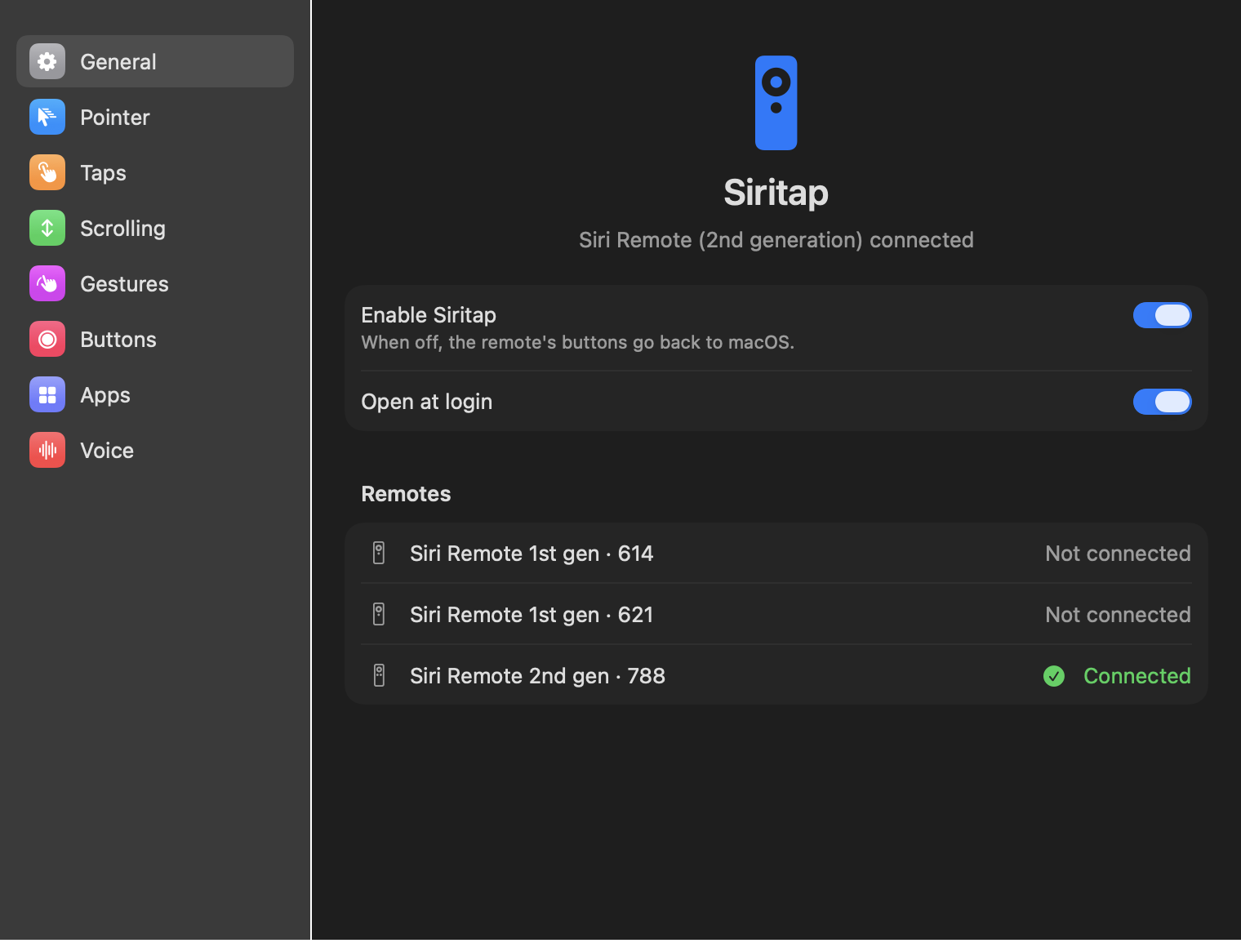
Use an Apple TV Siri Remote as a trackpad, scroll wheel, media remote and voice keyboard. Free, and it lives in your menu bar.
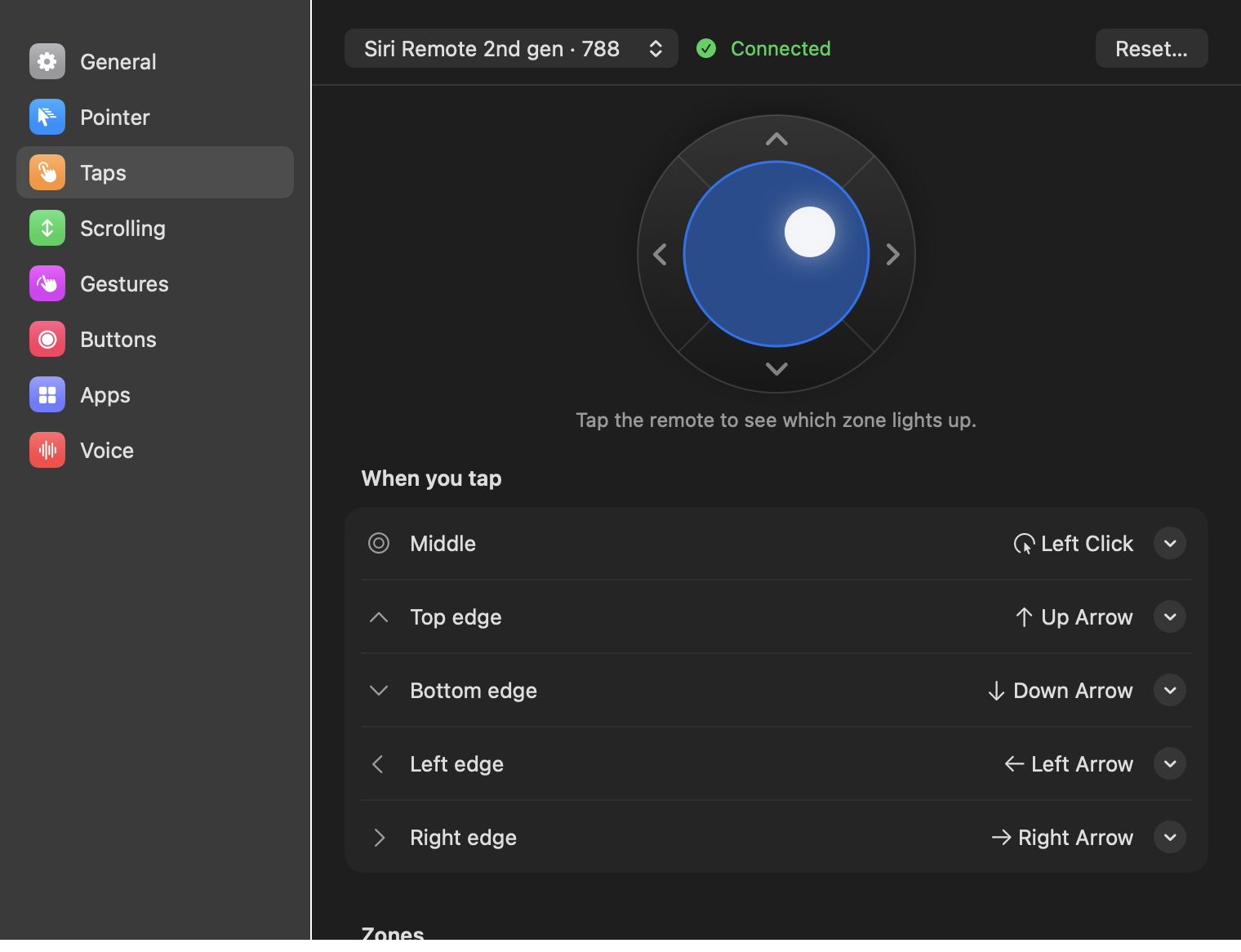
Every tap, swipe and button can be changed, separately for each remote and for each app.
Glide your thumb to move the pointer, with adjustable speed and acceleration. Light, accidental touches are ignored.
Tap the middle to click and the edges for arrow keys, or anything else you choose.
Slide along the edge to scroll, and flick to keep it gliding, just like a trackpad.
On the 2nd-generation remote, circle the ring to scroll like a click wheel. It starts the moment you touch it.
Double-tap, and tap-then-swipe to switch desktops. Press harder to click without lifting; keep pressing to drag.
Clicks, shortcuts, media keys, brightness, Mission Control, desktops, even shell commands. Volume repeats while held.
Give any app its own actions. VLC comes set up, so the volume buttons change VLC's own volume.
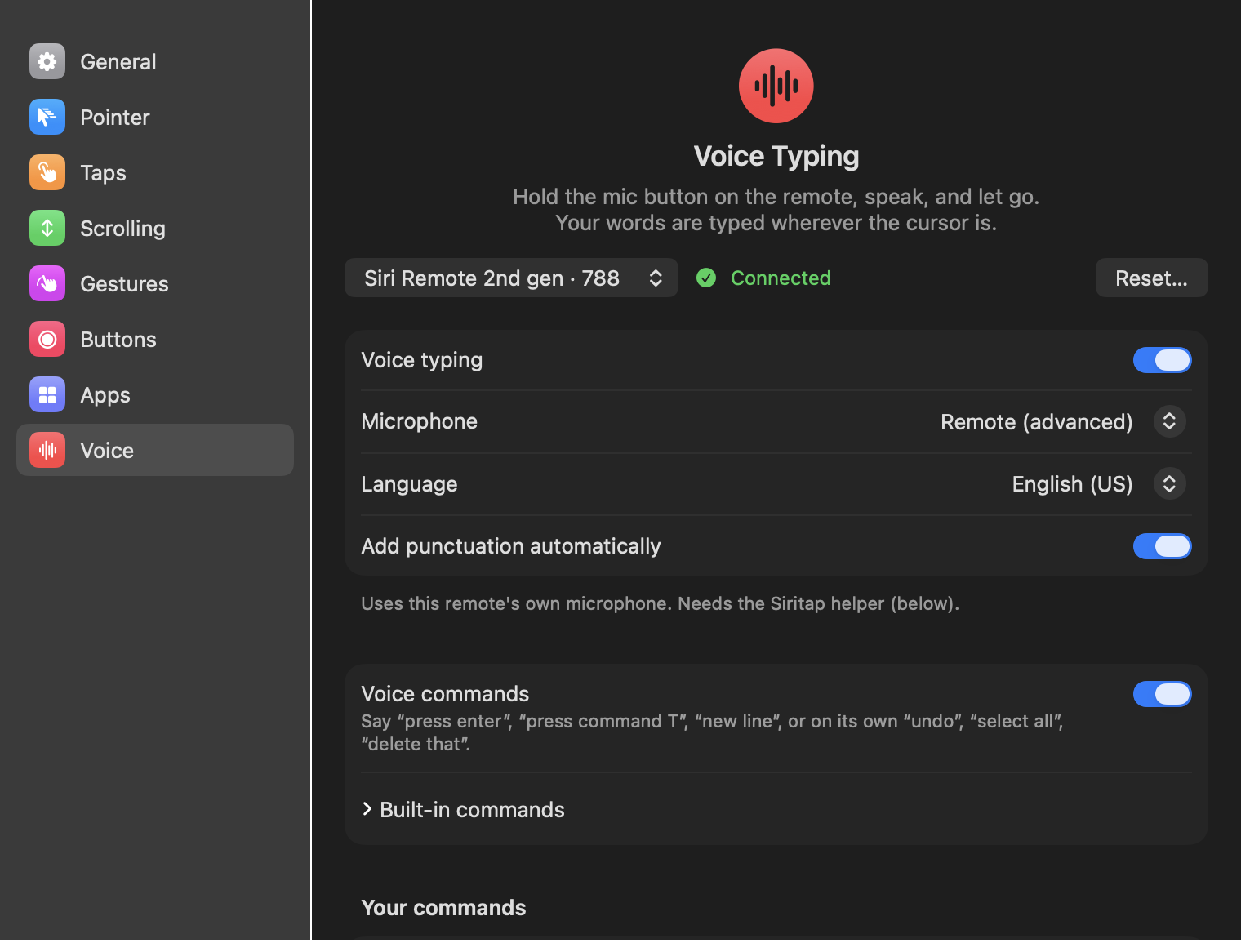
Hold Siri, speak, let go. Your words are typed wherever the cursor is, with voice commands too.
A live view shows your finger on the remote while you adjust, so you can see what counts as a tap, where the edges are and how far a swipe has to go.
Hold the Siri button, say what you want typed, and let go. Speech is recognised by your Mac, with automatic punctuation.
Pair the remote in Bluetooth settings and Siritap recognises it.
| Remote | Looks like | Touch | Edge-strip scroll | Ring scroll | Momentum | Voice |
|---|---|---|---|---|---|---|
| Siri Remote, 1st generation | Black, glass touch surface | Yes | Yes | – | Yes | Mac microphone |
| Siri Remote, 2nd generation | Silver, clickpad with a touch ring | Yes | – (uses the ring) | Yes | Yes | Mac microphone, or the remote's own |
Edge-strip scroll: slide up and down along the right edge of the touch surface, like the scroll strip on a laptop trackpad. Other Siri Remote models may pair but haven't been tested yet.
Other apps do some of this. Siritap is free and does all of it, including voice.
| Siritap | Remote Buddy 2 | BetterTouchTool | SiriMote | Voxa | |
|---|---|---|---|---|---|
| Price | Free | Paid | Paid | Free | Free, voice paid |
| Touch-surface pointer | Yes | Yes | Yes | – | Yes |
| Tap zones and edge arrows | Yes | – | – | – | – |
| Momentum scrolling | Yes | – | – | – | – |
| Ring scrolling (2nd gen) | Yes | Yes | – | – | Paid |
| Per-app actions | Yes | Yes | Yes | A few apps | Yes |
| Voice typing | Free, any remote | – | – | – | Paid, some remotes |
| Voice commands | English, plus your own | – | – | – | Chinese |
| Speech recognised | On your Mac | – | – | – | Partly online |
| Intel Macs | Yes | Yes | Yes | Yes | – |
Compiled in November 2026 from each product's public pages. “–” means not offered or not documented. Corrections welcome on GitHub.
Yes. No ads, no account, no trial.
No. It makes no internet connections and has no analytics. Speech is recognised by macOS on your Mac whenever your language allows it. See the privacy notes.
Driving the remote's touch surface and buttons needs system access that App Store apps aren't allowed. Siritap is signed with a Developer ID and notarized by Apple instead, so it opens normally.
Not on a Mac: those remotes don't send their audio to macOS. Voice typing still works with them through your Mac's microphone.
It's only needed for the 2nd-generation remote's own microphone. While Siritap is using it, it turns on macOS's Bluetooth diagnostic log, takes the remote's voice from it, and turns the log off again. Only the signed Siritap app can talk to it, and you can turn it off in Login Items at any time.
macOS sometimes forgets the Accessibility permission. Switch Siritap off and on again in System Settings → Privacy & Security → Accessibility.